|
|
|
Set up your studio today. Get paid faster tomorrow.
|
|
The work you've already done in Programa can become your next invoice.
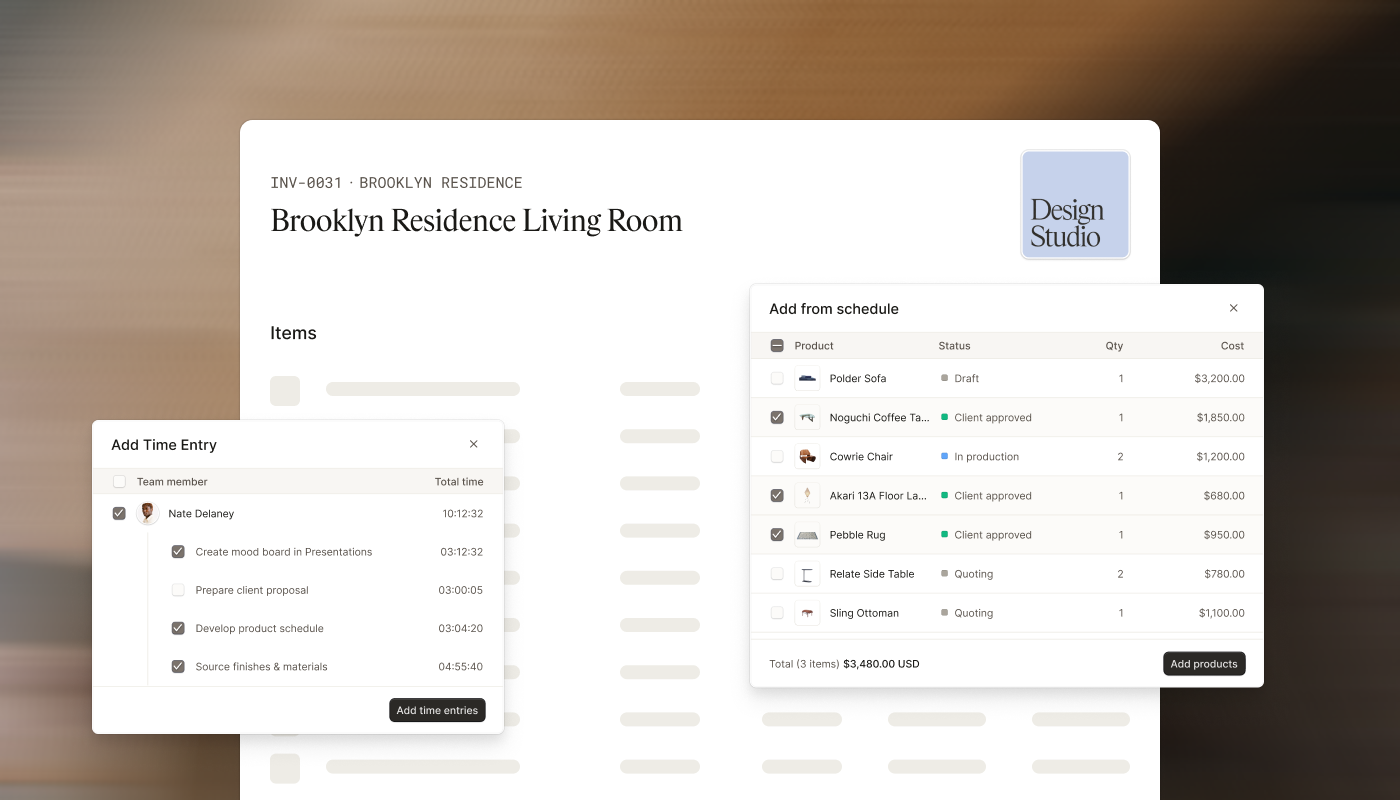
Instead of rebuilding project information in a separate accounting tool, turn your schedules, products, time entries, and custom line items into professional invoices in just a few clicks. Then collect payments securely through Programa Pay, our built-in online payments solution.
If you haven't finished setting up Invoicing and Programa Pay yet, now's the perfect time. Set everything up now, so invoicing is one less thing to think about when your next project is ready. |
| Get started | |
|
Why studios choose Programa for invoicing and payments
|
| 1. |
Save hours on admin
Create invoices from the project data you've already captured. Products, quantities, pricing, markups, and tracked time carry across automatically, so there's no duplicate data entry or rebuilding invoices from scratch. |
| 2. |
Customize the way your studio gets paid
Structure payments around real project milestones. Split invoices into up to six installments with custom names, amounts, and due dates for deposits, procurement, installations, or final handover. |
| 3. |
Present your work professionally
Send custom-branded invoices that reflect your studio. Add your logo, include product images from your schedules, and preview exactly what your clients will receive before you send. |
| 4. |
Get paid with confidence
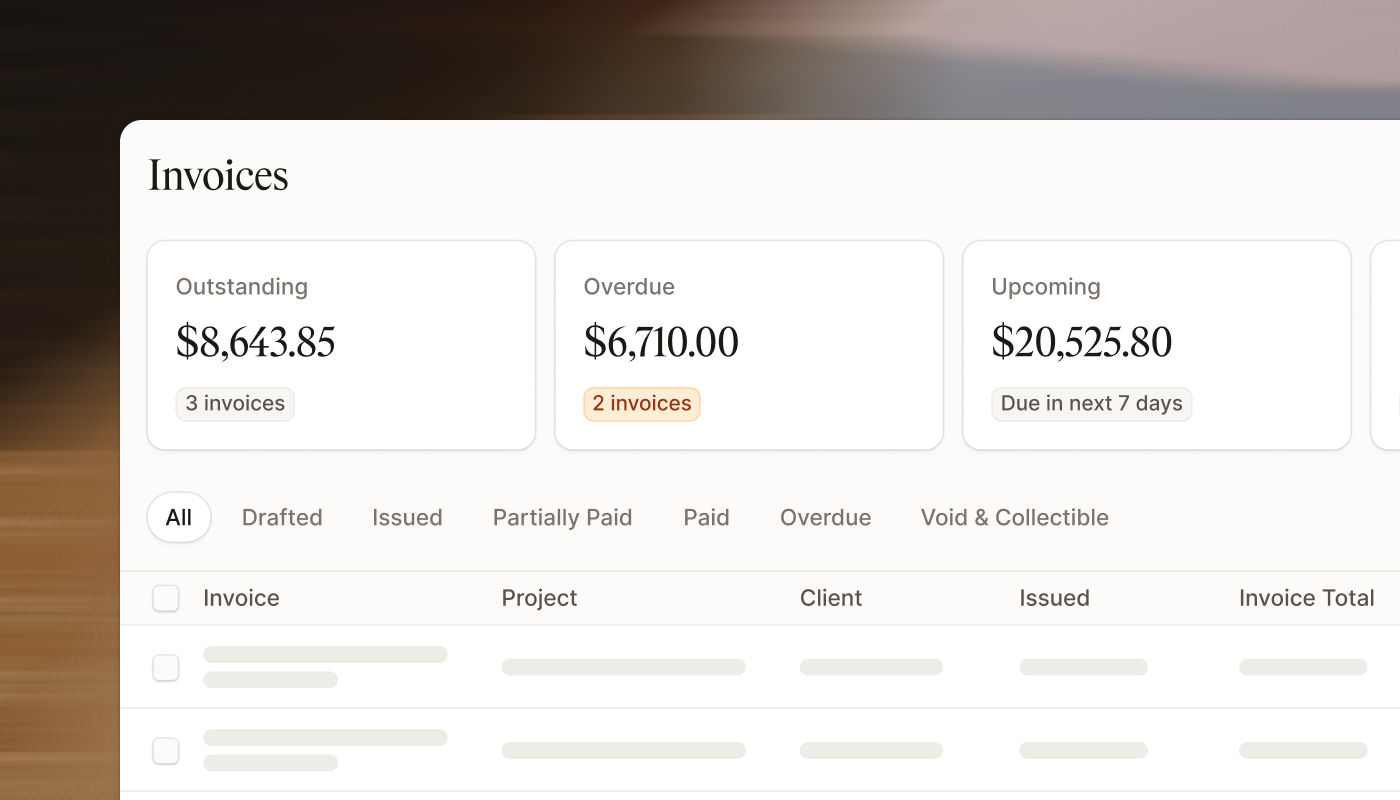
Programa Pay gives clients a simple way to pay online by card or bank transfer (ACH), with no account setup required. Every payment is protected by end-to-end encryption, tokenized card storage, fraud monitoring, and built-in protection against eligible chargebacks. You can also track every payment from invoice issued through to completion, giving you a clear view of what has been sent, paid, and still needs attention. |
|
|
Get started
|
|
| Need help? | Invoicing setup looks different for every studio.
If you're working through the setup and have questions, the Help Center has step-by-step guidance covering invoice configuration, client payment collection and activating Programa Pay.
Programa's live support chat is available inside the platform. If something isn't clear, or your setup has a specific requirement you can't resolve through the guides, the support team is right there to work through it with you. |
| Get support | |
|